
Hardware replacement planning for law firms helps turn unexpected equipment failures into manageable decisions. A computer that fails during trial preparation or a network device that disrupts access to case files can interrupt important work. A straightforward inventory and review process gives the firm a clearer view of what it owns, what may need attention, and when purchases are likely.
You do not need a dedicated IT department or asset-management platform to begin. Start with a shared, access-controlled spreadsheet, then use it to guide an annual review and a rolling replacement calendar. The goal is not to replace every device on a fixed schedule. It is to make informed choices based on support status, security, reliability, business needs, and budget.
Build a practical law firm IT asset inventory
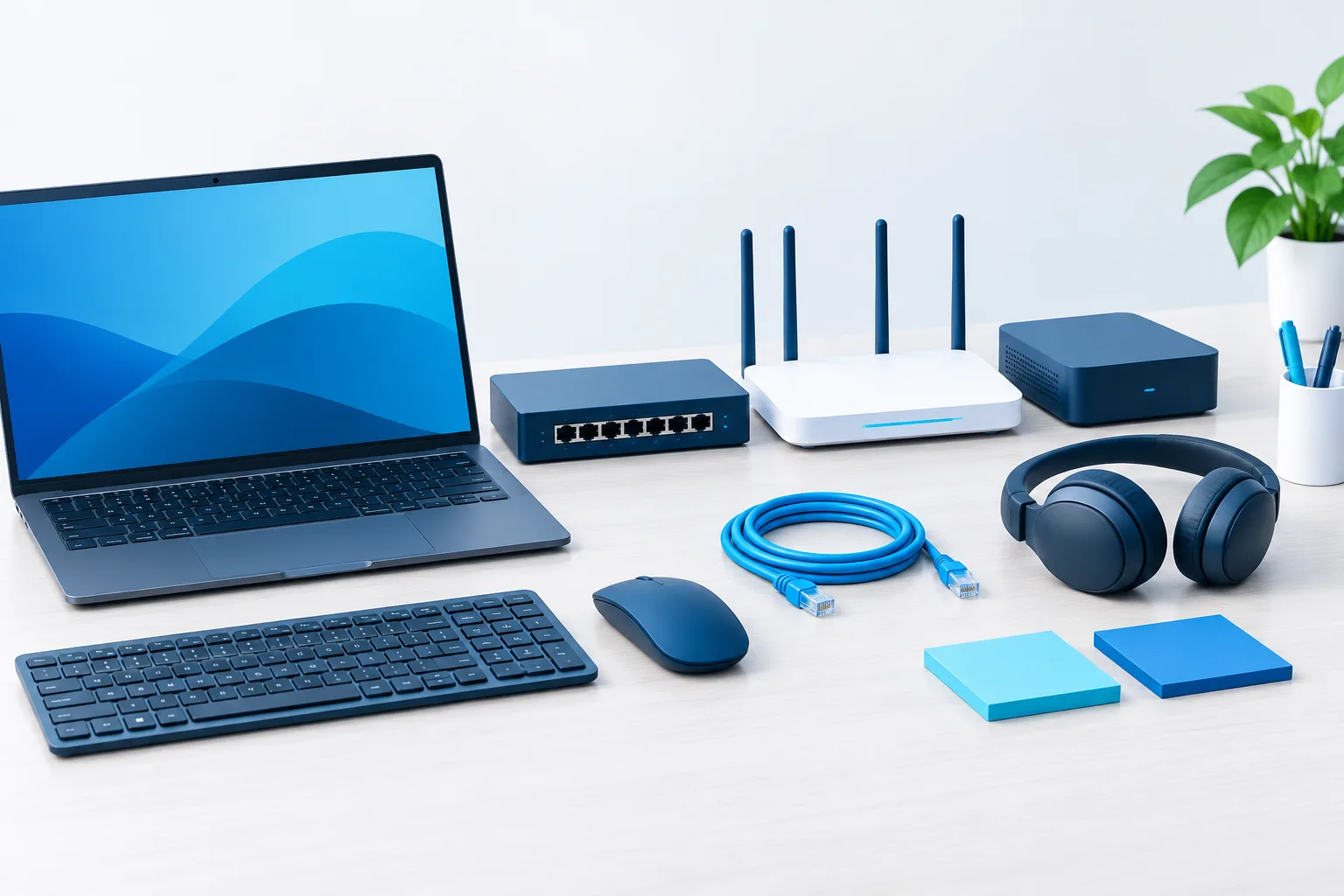
Begin by listing the equipment the firm relies on. Include computers, servers or network-attached storage, routers, firewalls, switches, wireless access points, printers, scanners, backup devices, and business phones. Include equipment used for remote work if the firm owns or manages it.
For each item, record details that help identify it and make a decision about its future:
- Device type and identifier: Record what the equipment is and its make, model, or asset tag, if available.
- Assigned user and location: Note who uses it and whether it is in the office, at home, or in another firm location.
- Purchase or installation date: Use available records. If the date is unknown, mark it as an estimate or unknown rather than guessing.
- Warranty and support details: Record warranty coverage and vendor support or end-of-life information when available.
- Condition and reliability: Note recurring problems, repair history, performance concerns, and whether the device meets the user’s current needs.
- Business role: Identify the systems and work that depend on it, such as case management, document access, printing, or secure remote work.
- Replacement estimate and target period: Add a preliminary cost estimate and the year or budget period when replacement may be needed.
Keep the inventory somewhere appropriate for operational records and limit access to people who need it. Avoid putting passwords, recovery codes, or other secrets in the asset list. If you need help organizing connected technology, review this guide to printer and scanner management for law firms.
Decide what to replace first
Age can be useful context, but it should not determine priority on its own. A relatively recent device may need attention if it no longer receives security updates or cannot support required software. An older device may remain dependable for a limited role, provided it is supported and appropriate for that use.
For each item, consider these questions:
- Is the vendor still providing security updates and support?
- Is the equipment failing, slow, difficult to maintain, or generating repeated support requests?
- What happens to the firm’s work if it becomes unavailable?
- Does it support the firm’s current security, confidentiality, and system requirements?
- Would replacing it require migration, configuration, staff preparation, or coordination with another system?
- How long might it take to select, order, configure, and deploy a suitable replacement?
Use the answers to mark equipment as a higher, medium, or lower priority. Give particular attention to unsupported devices, equipment with recurring failures, and systems that support essential legal work. For example, a computer used for trial preparation may deserve a higher priority than equipment with a noncritical role, even if both have similar condition notes.
Consider dependencies before choosing a replacement. A server, firewall, or backup device may connect to several systems, so replacing it can involve more planning than swapping an individual workstation. Confirm compatibility with case management, document management, e-discovery, and other tools the firm relies on. Keeping legal documents accessible also depends on those systems working together; see the guide to legal document management and IT.
Turn the inventory into a replacement calendar
Once priorities are clear, assign each likely purchase to a budget period. A simple calendar can show the device, its current status, the reason it is on the list, an estimated cost, and the period when the firm expects to replace it. Keep estimates separate from approved spending so partners can distinguish planning assumptions from commitments.
Review the calendar as part of the firm’s budgeting process. Staggering purchases may help avoid making every replacement decision at once, but it should not delay action on equipment that is unsupported or creating unacceptable operational risk. Allow time for procurement, setup, testing, data transfer, and user preparation. If several devices rely on the same platform or vendor, coordinating their replacement may also reduce avoidable disruption.
Use the calendar as a living plan rather than a promise that every device will be replaced in a particular year. Update it when support information changes, equipment becomes unreliable, staffing or practice needs shift, or estimates change. A firm’s technology roadmap should connect purchases to the work and systems they support, not simply list hardware by age.
For budgeting context, firms can compare planned purchases with recurring IT costs and review factors that affect law firm IT costs. That can help partners discuss replacement needs alongside support, security, and operational priorities.
Plan for unsupported equipment
When a device or operating system is no longer receiving security updates, identify what it can access and what business functions depend on it. Discuss the risk and available options with the firm’s IT provider. Depending on the device and its role, the next step may be replacement, a supported upgrade, or a temporary restriction while a planned change is prepared.
Do not treat an unsupported device as an ordinary low-priority purchase merely because it still turns on. A device that cannot be maintained may create security and reliability concerns. Record the decision, the person responsible for follow-up, and the target date for resolving it.
Retire old equipment with client data in mind
Replacement planning should include what happens to the equipment being removed. Before a device leaves the firm’s control:
- Confirm which files and settings need to move, and verify that important data is available in its new location.
- Check whether the device contains client information, credentials, cached files, or other firm data.
- Use an appropriate secure-erasure or destruction process, with the method confirmed by the firm’s IT provider.
- Consider applicable retention needs and any legal hold before deleting or disposing of data. Do not assume that routine equipment retirement overrides preservation requirements.
- Update the inventory to show that the device has been retired, transferred, or disposed of, and record the completion of the process.
Clear responsibility matters, particularly in a small firm. A managing partner can assign an owner for the inventory and budget review, while an IT provider can help verify device status, dependencies, security updates, migration needs, and data-removal steps. In a solo practice, keeping the inventory current and asking for technical review when a device is unsupported or business-critical can provide a workable starting point.
Frequently asked questions
How often should a law firm replace its computers and other hardware?
There is no single interval that fits every device. Consider vendor support, security updates, reliability, performance, business criticality, and the time needed to deploy a replacement. Review the inventory regularly and revise the plan when those factors change.
What equipment should be included besides computers?
Include network equipment, servers or storage devices, printers, scanners, backup devices, and firm-managed business phones. Add other equipment when the firm depends on it for legal work, secure access, or continuity.
How can a small firm spread replacement costs?
Estimate likely replacement costs and assign purchases to budget periods based on priority and operational dependencies. Stagger purchases where practical, but do not postpone a needed response to unsupported or unreliable equipment just to keep the calendar even.
Who should manage the plan in a solo or small firm?
Assign a named person to maintain the inventory and bring proposed purchases into budgeting discussions. An IT provider can help assess support status, technical dependencies, and secure retirement steps.
Make replacement planning part of routine operations
A current inventory, a reasoned priority list, and a flexible replacement calendar can help a law firm prepare for equipment needs before a failure forces a rushed decision. Start with the devices the firm depends on most, record what is known, and assign someone to review the plan. If you are unsure where to begin, ask your IT provider to review the inventory and identify the equipment that needs attention first.